Jacen's Blog
Yet Another GBA Handheld - Anbernic RG34XX Review
November 26, 2025
This review contains affiliate links to some of the products mentioned.
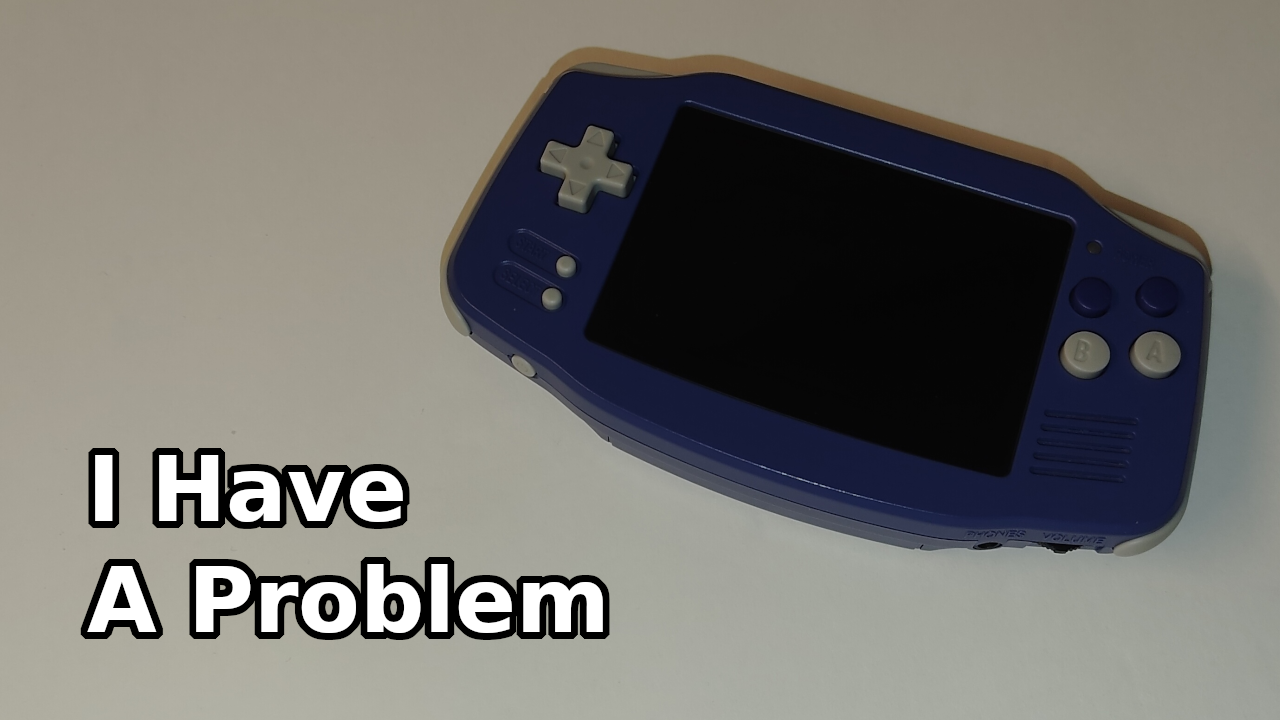
Continuing to feed my handheld addiction, I got my hands on the Anbernic RG34XX, a device that looks a lot like the classic GBA. Is it just a generic handheld in a fancy shell, or is it something legitimately worth your time? Only one way to find out, so let's dive straight into it.
The Unboxing
In the box you'll find the RG34XX itself, a screen protector, a wrist strap, and a USB-C-to-A cable. I've complained about including a C-to-A cable over a C-to-C cable enough times in my posts, so I'll skip that for now.
The RG34 is around 5.5 x 3 inches in size, making it pretty easy to slip into a pocket for on-the-go use. It's also fairly lightweight, with most of its 188 grams coming from the battery.
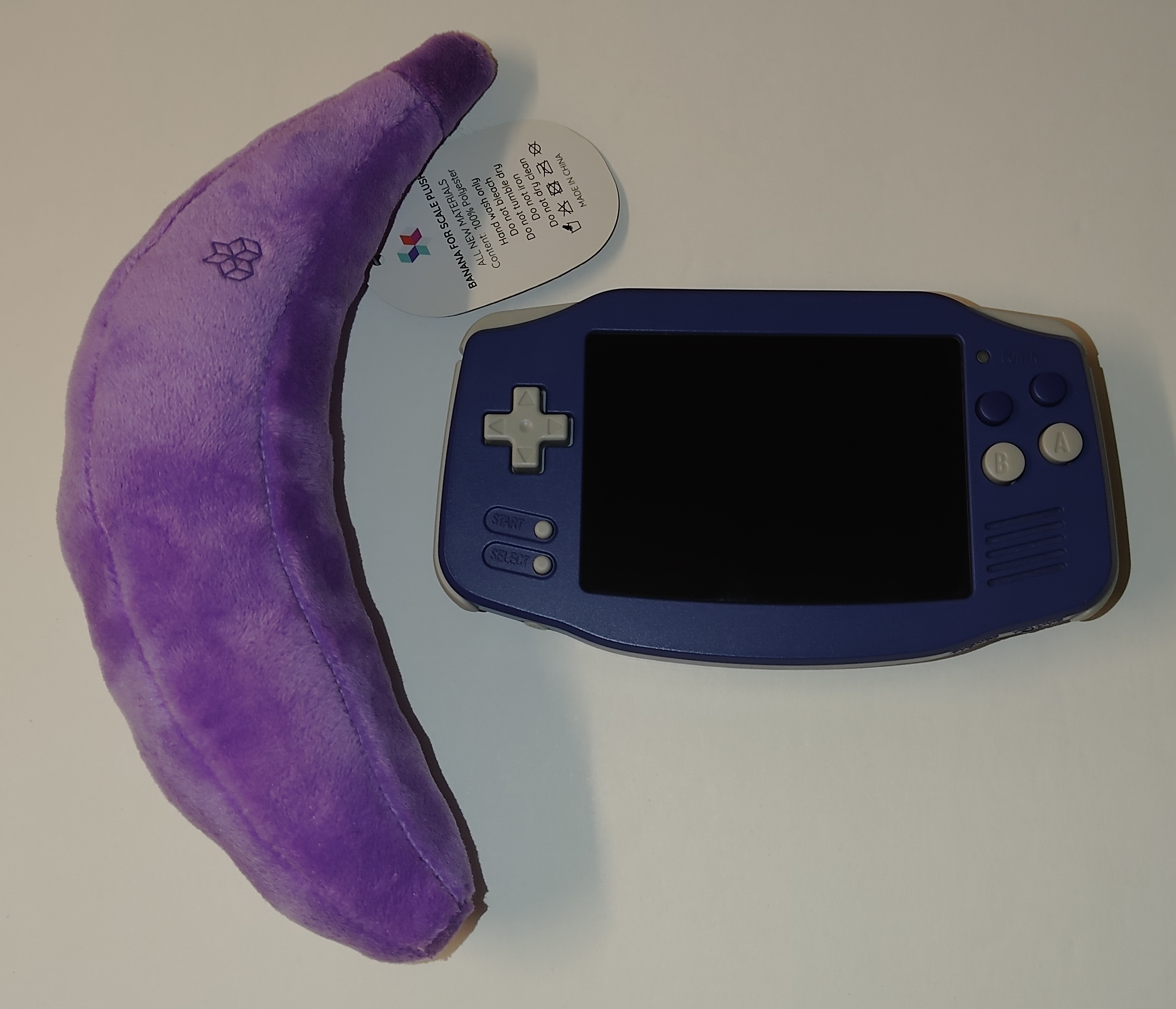
The RG34 comes in a pretty wide variety of colors, including several translucent options if that catches your fancy. I, personally, went with the indigo for the true retro aesthetic.
The Hardware
As far as inputs go, the RG34 has four face buttons (although only two of them are labeled), a d-pad, start and select buttons, and two sets of shoulder buttons. The buttons are all membrane, so if you're a fan of the mushier feel, that's a plus. The d-pad, however, is extremely heavy, and I found it fatiguing to hold directions for any length of time. There's also a fair bit of slop, making it difficult to change directions quickly. The face buttons are much lighter, and, while they have even more slop than the d-pad, it isn't as impactful on those. As for the triggers, the L and R buttons are also fairly light, while the L2 and R2 are heavier, although they still aren't too difficult to press.
The power button is positioned at the bottom, and along the top are the menu button and a reset button. The menu button is a little difficult to press at that position, but since you shouldn't need to be pressing it all that often, that isn't really much of a concern. The reset button does a full reboot of the device, so it's slightly recessed to prevent accidental presses.
As for IO, the RG34 has a USB-C for power and data, a mini HDMI port, two microSD card slots (one for the OS and one for extra storage), a 3.5 mm headphone jack, and a volume rocker. The volume control is styled like an old-school volume wheel, although it operates more like a set of two buttons than a wheel. If you were curious, the USB-C does not support DisplayPort alt mode, so you will need to use the micro HDMI if you want a display output.
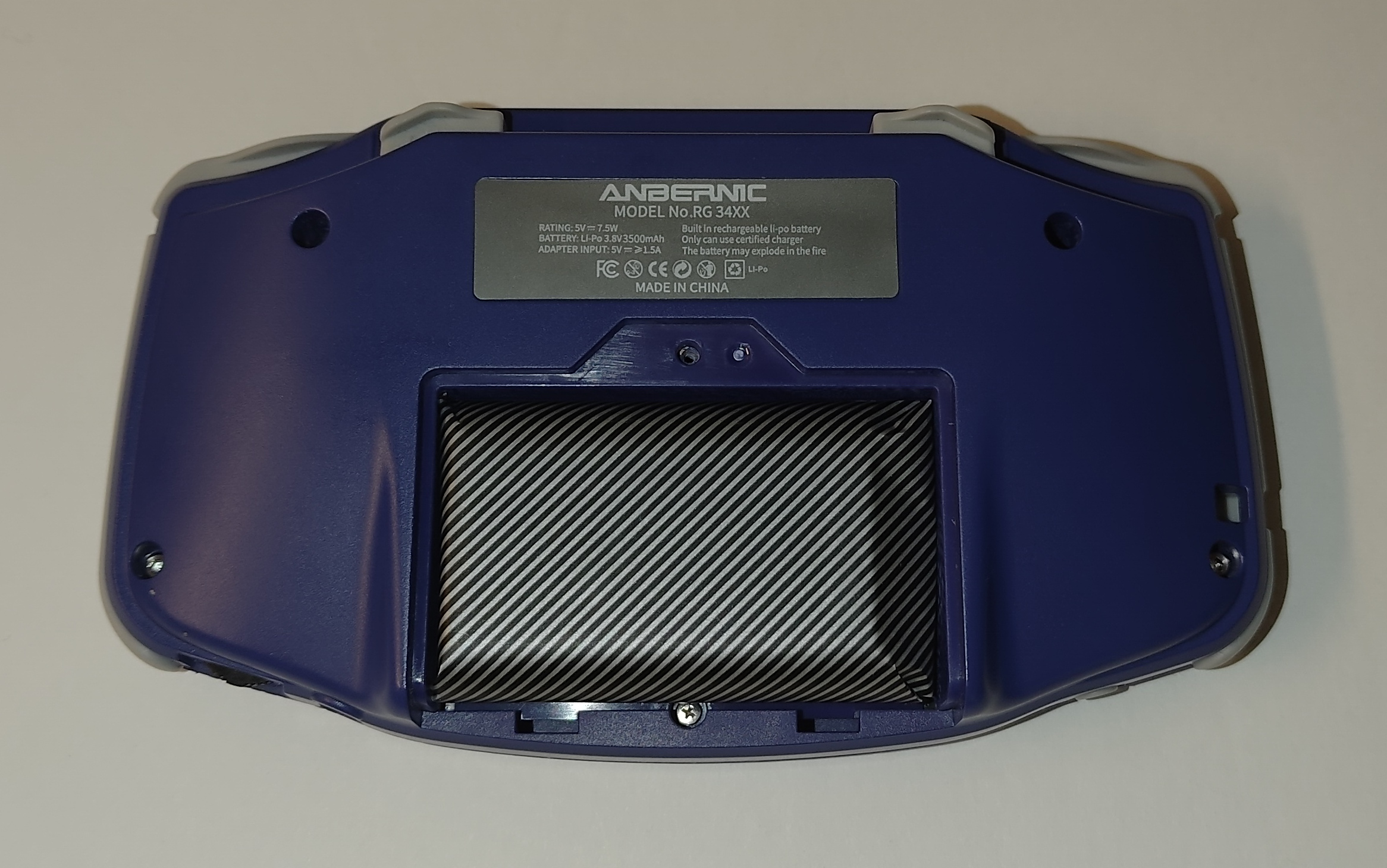
The 3500 mAh battery is accessible with just one Philips screw, but it's glued into the compartment. Additionally, to get into the guts of the RG34, you have to undo an additional Philips screw hidden under the battery, in addition to four Torx screws. The glued-in battery, in addition to the hidden screw, are definitely big points against the RG34 in the repairability department,, to the point that I didn't even bother opening it up for the photo op.
Regardless, under the hood, the RG34 is powered by an Allwinner H700 SoC, with a quad-core CPU and dual-core GPU, fed by 1 GB of RAM. These specs are sufficient enough for the collection of emulators that the RG34 comes with.
Sound is handled by a single front-firing speaker. While certainly not audiophile quality, it's certainly better than the speakers on any of the other handhelds I've checked out. You'll want to stick with headphones if you really care about audio, but the speaker is more than sufficient for any retro gaming needs.
The Software
While there are custom firmware options available for the RG34, I'll be sticking with the stock firmware for the purposes of this review.
Confusingly, ROMs are accessible from two places in the main menu, one labeled "Game Rooms", and one called "RA Game". "Game Rooms" seem to be standalone emulators, while "RA Game" seems to be RetroArch-based ones. For the most part, I preferred the standalone emulators, especially for GBA, where RetroArch seems to add an annoying pixelization filter. However, some emulators are only available in one or the other, so you may have to jump between them based on the games you want to play.
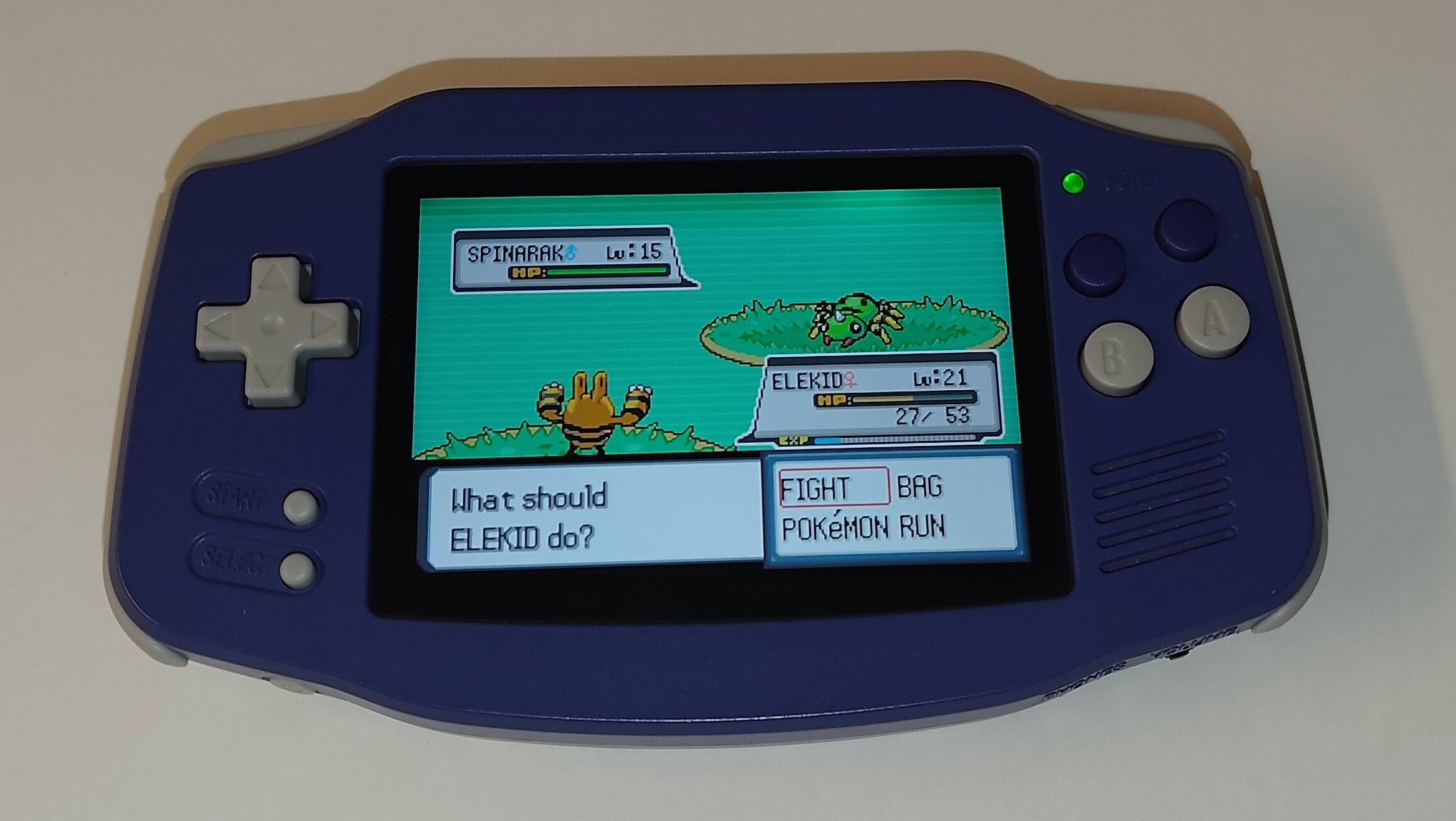
Performance across the board is pretty good on the RG34. I did notice some slowness issues in some PSP games, and there were some major graphical glitches in certain RetroArch emulators, like the Dreamcast and N64. However, with the lack of analog sticks, you're probably not going to be playing those anyway without an external controller. In emulators that you're more likely to be using, performance was pretty solid.
The RG34 also comes with a Moonlight client, hidden in the "Settings" menu for some reason. It would be a nice way to expand the RG34's potential game library, except I had issues with it, not being able to make it work at all. I also had issues getting WiFi to work consistently, so I'm not sure if that's related to my Moonlight issues or if they're separate.
Conclusion
If you're looking for a basic GBA handheld with decent performance, you could certainly do worse than this one. Unfortunately, it also inherits some of the ergonomic issues of the GBA due to its size, and the heavy d-pad doesn't help the issue. The issues with the Moonlight client also limit its usefulness a bit. Overall, there are better offerings you could go with, even within Anbernic's own product lines.